
Gmail SMTP Configuration
Under Admin Console > Branding > Email-SMS-Provider select Gmail from the list of SMTP providers. The SMTP Host and Port fields are automatically populated, and SSL is enabled by default. Fill in the remaining required fields:
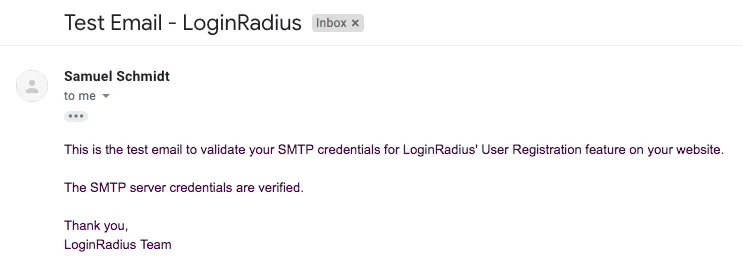
Click Verify & Save to send a test email using the new SMTP configuration. If successful, you will receive an email confirming your SMTP configuration is valid:
Note: If the test email fails to send, refer to Google's troubleshooting steps under Use the Gmail SMTP Server. Please contact the LoginRadius Support Team if further assistance is required.
Mandrill SMTP Configuration
Learn to configure Mandrill SMTP with LoginRadius for seamless, secure email delivery of authentication messages and user communications.
Salesforce Marketing Cloud
Integrate Salesforce Marketing Cloud with LoginRadius to send transactional emails based on user activity using your Email Studio configurations.